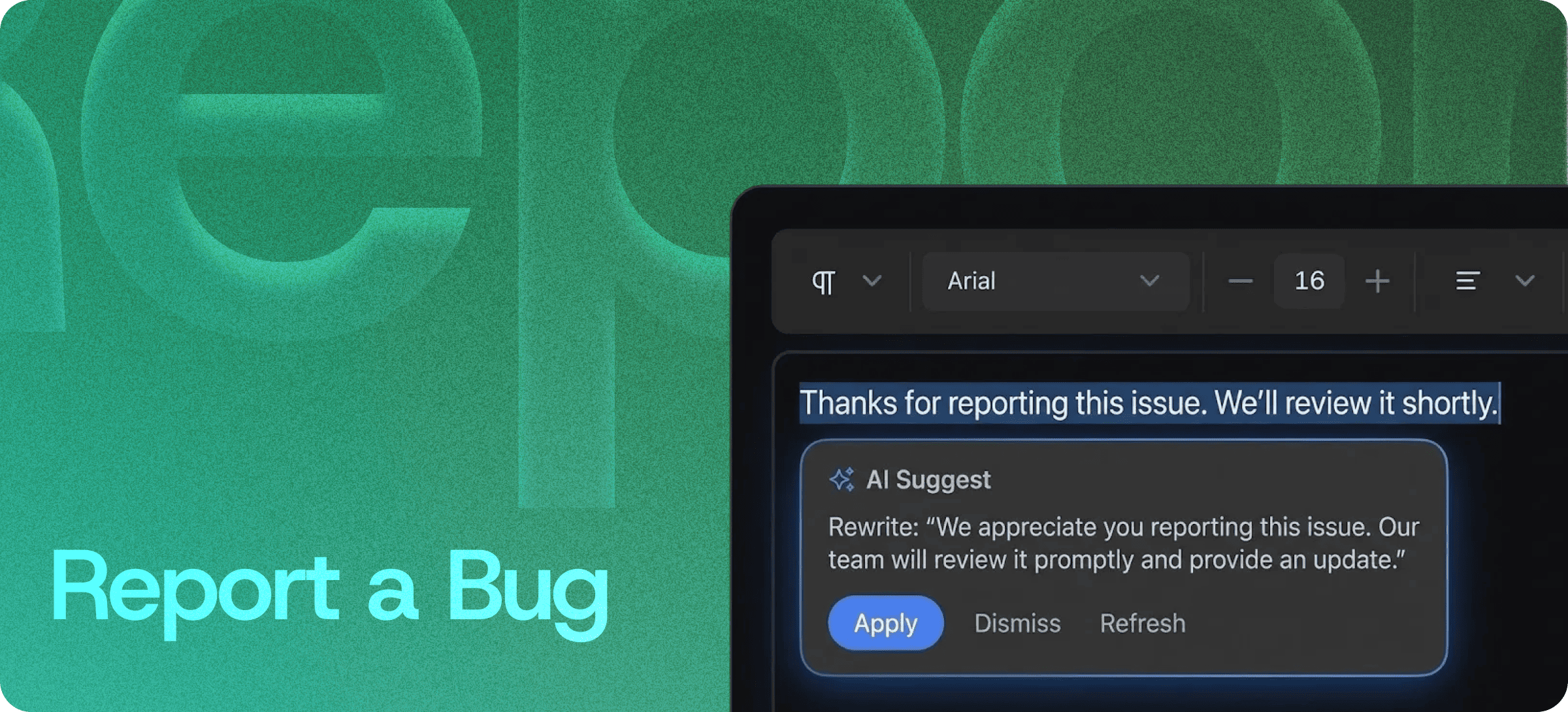
In-Editor Bug Reporting — Capture Issues with Full Context
Eddyter's Report a Bug feature lets users capture, describe, and submit bug reports directly from inside the editor — with all the context (browser, viewport, content state, reproduction steps) attached automatically.
No more "I'll remember to file this later." No more vague Slack messages. No more bug reports missing the one detail your engineers actually need.
What Report a Bug Does
When a user (or QA tester, or internal teammate) hits an unexpected issue inside an Eddyter-powered editor, they can submit a bug report without leaving the editor:
- Trigger the bug report panel from inside the editor
- Describe the issue in their own words
- The system automatically attaches context (browser, screen size, content state)
- Submit — the report lands in your centralized issue tracker
The whole loop takes 30 seconds and produces a bug report your engineering team can actually act on.
Report a Bug vs Suggest Feature
These two features sound similar but solve different problems. Worth knowing the difference:
| | Report a Bug | Suggest Feature |
|---|
For | Things that are broken | Things you wish existed |
Trigger | Unexpected behavior | Missing capability |
Output | Bug ticket with reproduction context | Feature request with rationale |
Goes to | Engineering / QA backlog | Product roadmap |
Frequency | Spike during launches and QA | Continuous, especially in early product stages |
Most SaaS teams need both. Eddyter ships both as separate, clearly-purposed features so users always know which one to use.
Context Captured Automatically
What separates good bug reports from useless ones is context. A user typing "it's broken" tells you nothing. A bug report with browser version, screen size, and exact reproduction state tells you everything.
Eddyter's Report a Bug captures the context automatically:
- Browser and version — Chrome 130, Safari 18, Firefox 122, etc.
- Viewport size — desktop, tablet, mobile dimensions
- Operating system — macOS, Windows, iOS, Android
- Content state — what the editor was showing when the bug occurred
- User-described reproduction — what they were trying to do
- Timestamp — exact time of submission
Engineers receive a complete report instead of a guessing game.
Centralized Issue Tracking
Every reported bug lands in one centralized place. No CSV exports, no email triage, no Slack channels with screenshots that nobody can find later.
You get:
- A clean, chronological feed of incoming reports
- Full context attached to each submission
- The ability to filter by browser, severity, or content area
- A single source of truth for "what's broken right now"
- API access for syncing to Linear, Jira, GitHub Issues, or your tracker of choice
Built Directly Into the Editor
Bug reporting isn't a Chrome extension, a separate widget you have to wire up, or a third-party SaaS subscription. It ships with the standard Eddyter editor on every plan, including Free.
For developers integrating Eddyter into a SaaS product, that means:
- No Marker.io / BugHerd integration to set up or pay for
- No screenshot service to manage
- No external bug-tracker integration unless you want one
- Works out of the box in React and Next.js apps
Setup details are in the Eddyter Documentation. New to the editor? What is Eddyter? is a 2-minute walkthrough.
How It Compares to External Bug-Reporting Workflows
| | Email-based reports | Generic form (Typeform, etc.) | External visual tools (Marker.io, BugHerd) | Eddyter Report a Bug |
|---|
In-app reporting | ❌ No | ⚠️ Partial | ✅ Yes | ✅ Yes |
Auto-context capture | ❌ Manual | ❌ Manual | ✅ Yes | ✅ Yes |
Inside the editor | ❌ No | ❌ No | ⚠️ Browser-wide overlay | ✅ Native to editor |
Subscription cost | Free | Free tier | Paid | Free on Eddyter |
Routes to issue tracker | ❌ Manual | ⚠️ Zapier needed | ✅ Yes | ✅ Yes |
Built for content workflows | ❌ No | ❌ No | ⚠️ Generic | ✅ Yes |
For SaaS teams shipping editors to their own users, the in-editor option is the only one that scales — your customers shouldn't need to install a Chrome extension to report a bug in your product.
Where Report a Bug Earns Its Keep
QA and Testing Cycles
QA testers can capture bugs in real time without breaking out of the test workflow. Each report comes with full reproduction context.
Beta Programs and Early-Access Releases
Beta users hit unexpected behavior the most. Make it effortless for them to report — and get back useful information instead of "it didn't work."
Customer Support Triage
Customer-facing teams can flag user-reported bugs with attached context, dramatically speeding up triage.
Internal Team Tools
Distributed engineering teams can report and triage bugs in shared internal docs and tools without context-switching.
SaaS Product Launches
Launches surface bugs at scale. Centralized in-context reporting prevents the firehose of vague Slack messages from drowning your engineers.
Content Production Workflows
For platforms where users create content (CMS, knowledge base tools, doc platforms), bugs in the editor itself need to be reportable from inside the editor.
Why It Matters in 2026
Modern SaaS products live and die by feedback velocity:
- Bug reports without context are noise. Engineers waste hours reproducing issues that should be obvious from the report.
- Friction in reporting kills reporting. If users have to leave the app, open email, write a description, and find a screenshot tool — they don't bother.
- Customer-reported bugs go uncaptured when the only path is "email support and hope."
- Distributed teams need centralized visibility into what's breaking, not Slack-channel archeology.
Eddyter's Report a Bug closes the loop with zero friction. If you're evaluating Eddyter end-to-end, Integrate Eddyter in 30 Minutes walks through full setup including bug reporting, AI features, and feedback collection.
Report a Bug at a Glance
Capability | Eddyter Report a Bug |
|---|
In-editor bug submission | ✅ Yes |
Auto-captured context | ✅ Yes |
Centralized issue feed | ✅ Yes |
API for issue-tracker sync | ✅ Yes |
Browser, viewport, OS detection | ✅ Yes |
Available on Free plan | ✅ Yes |
Works in React / Next.js apps | ✅ Yes |
External tool required | ❌ No |
Frequently Asked Questions
1. How do I report a bug from inside the editor?
Open the bug report panel from inside the editor, describe the issue, and submit. Context (browser, viewport, content state) is captured and attached automatically.
2. What context gets captured automatically?
Browser and version, operating system, viewport size, content state at submission time, and the user's description. Optional fields can be configured for severity, category, and other metadata.
3. Can I sync Report a Bug to Linear, Jira, or GitHub Issues?
Yes. Submitted bug reports are accessible via the Eddyter API, so you can sync them with your existing issue tracker. See the Eddyter docs for the API reference.
4. Is Report a Bug available on the Free plan?
Yes. Bug reporting is included on every Eddyter plan, including Free.
5. Does it work in React or Next.js apps?
Yes. Eddyter is a drop-in React component, and Report a Bug is part of the standard editor — no extra configuration required.
6. Can users submit bug reports anonymously?
Yes. The feature can be configured for anonymous, identified, or both — depending on your privacy and compliance requirements.
7. What's the difference between Report a Bug and Suggest Feature?
Report a Bug is for things that are broken. Suggest Feature is for things users wish existed. Both ship as part of Eddyter — see the comparison earlier in this page.
Why It Matters
Bug reports are the rawest, most honest form of product feedback. The teams that capture them best are the teams that ship the most reliable products.
Eddyter's Report a Bug makes that capture mechanism native — built into the editor your users already trust, with the context your engineers actually need.
Try Eddyter Free →